Tables and data tables
Grids of rows and columns. The table shows rows you hand it, and the data table adds sorting, filtering and selection over rows it never copies.
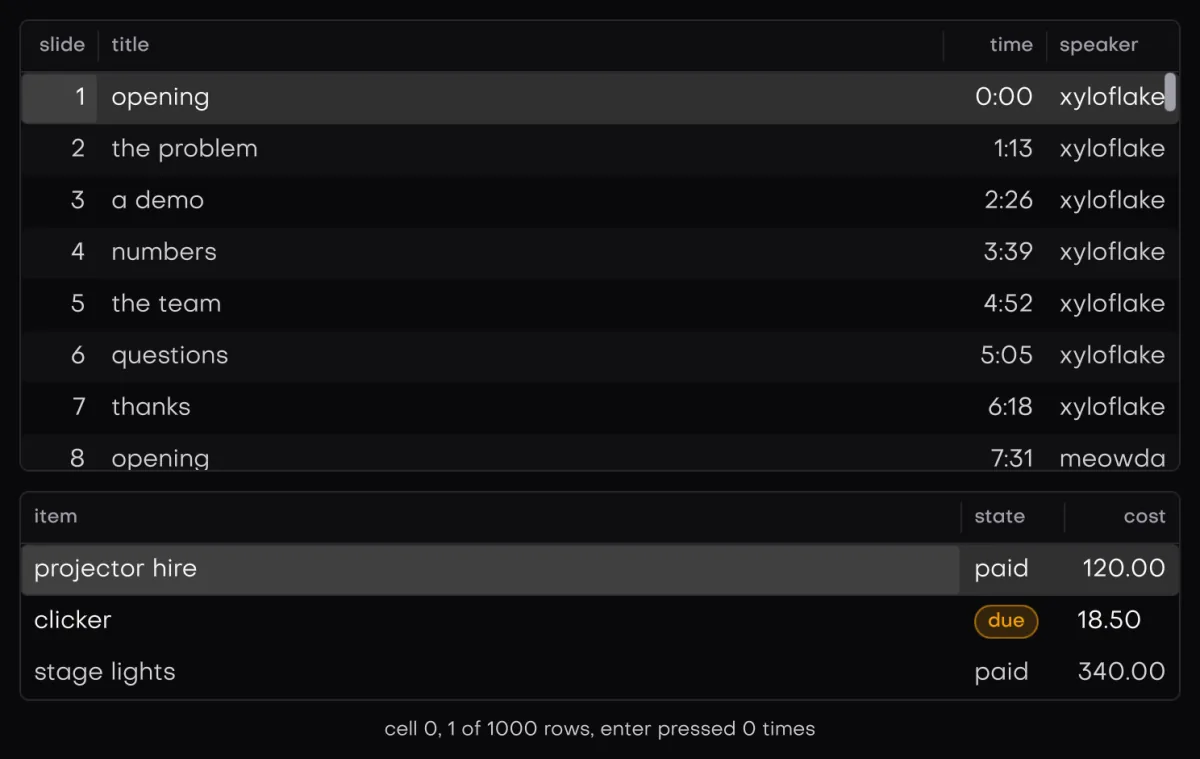
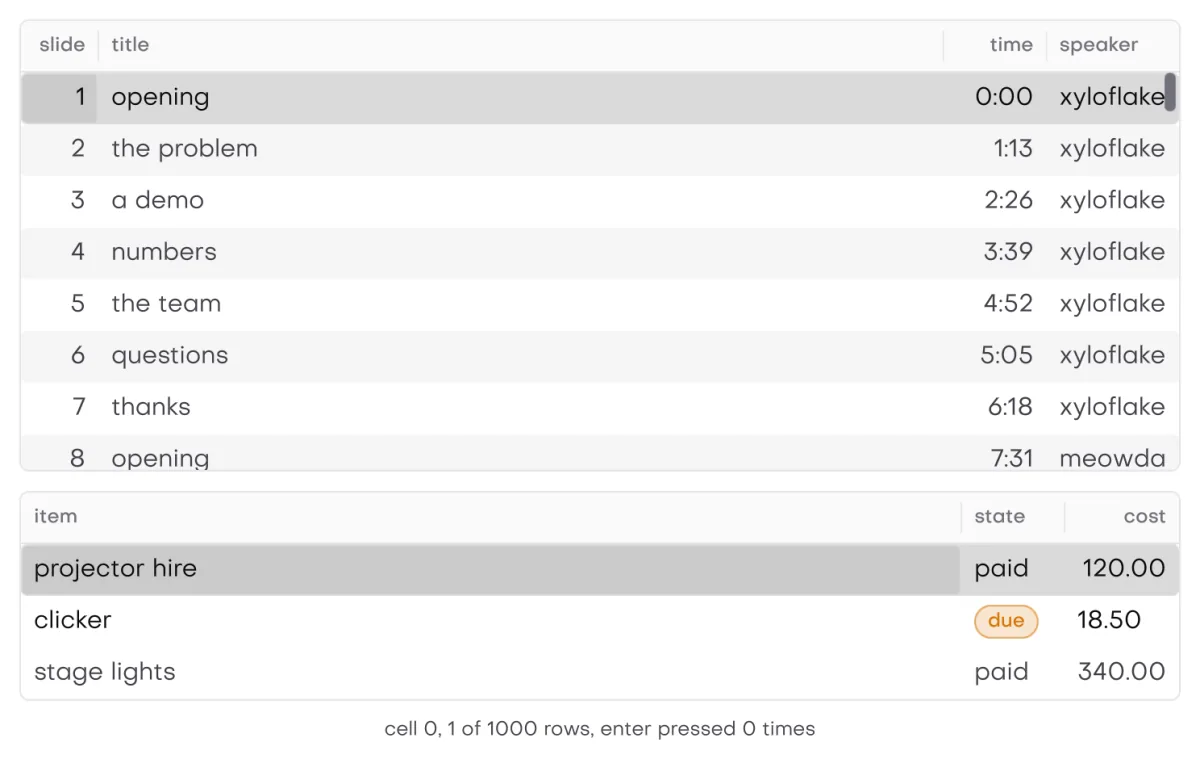
In the galleryTabletableData Tabledata_table
They live in isolenui/kit/data.h and come in through isolenui/kit/kit.h. See the component kit.
#include "isolenui/ui/ui.h"
#include "isolenui/kit/kit.h"
#include <stdio.h>
struct track {
const char* title;
const char* artist;
double seconds;
};
struct library {
const track* rows;
uint32_t count;
uint64_t version;
char query[64];
ui::cell_pos at;
ui::data_model* model;
};
// a cell writes into buf or returns memory it already owns
static const char* cell(uint32_t row, uint32_t col, char* buf, uint32_t cap, void* user)
{
const library* l = static_cast<const library*>(user);
const track& t = l->rows[row];
if (col == 0u) {
return t.title;
}
if (col == 1u) {
return t.artist;
}
snprintf(buf, cap, "%u:%02u", unsigned(t.seconds) / 60u, unsigned(t.seconds) % 60u);
return buf;
}
static double number(uint32_t row, uint32_t, void* user)
{
return static_cast<const library*>(user)->rows[row].seconds;
}
static const ui::column cols[] = {
{ "title", ui::col_size::grow, 2.0f, text_font_left, ui::col_sort | ui::col_filter | ui::col_resize },
{ "artist", ui::col_size::fit, 120.0f, text_font_left, ui::col_sort | ui::col_filter },
{ "length", ui::col_size::fixed, 72.0f, text_font_right, ui::col_sort | ui::col_number },
};
static void library_view(ui::ctx* u, library* l)
{
// a plain table, cells come from the callback and arrows move the cell
if (ui::table(u, "recent", cols, 3u, l->count, cell, l, &l->at)) {
printf("play %s\n", l->rows[l->at.row].title);
}
// the same rows declared by hand, only the visible ones
uint32_t first = 0u;
const uint32_t n = ui::table_begin(u, "manual", cols, 3u, l->count, nullptr, &first);
for (uint32_t r = first; r < first + n; ++r) {
char len[16];
const char* cells[3] = { l->rows[r].title, l->rows[r].artist, cell(r, 2u, len, 16u, l) };
ui::table_row(u, r, cells);
}
ui::table_end(u);
// sorted and filtered over an index, the caller owns the model
if (!l->model) {
l->model = ui::data_model_create();
}
ui::data_source src = {};
src.rows = l->count;
src.version = l->version;
src.text = cell;
src.number = number;
src.user = l;
ui::data_event ev = {};
if (ui::data_table(u, "library", cols, 3u, src, l->query, &ev, l->model)) {
printf("play %s\n", l->rows[ev.row].title);
}
if (ev.selection) {
printf("%u picked\n", ui::data_model_selected_count(l->model));
}
}
static void library_free(library* l)
{
ui::data_model_destroy(l->model);
l->model = nullptr;
}Columns
Both take an array of column. Up to UI_TABLE_COLS (32) are used, and the rest are ignored.
column field | Meaning |
|---|---|
title | The header text. |
size | col_size::fixed, fit or grow. |
value | Pixels when fixed. The least pixels when fit. The weight when grow, where zero counts as 1. |
align | A text_font_align for the cells and the title. |
flags | col_sort, col_resize, col_filter and col_number, read by the data table. |
A fixed column takes its value. A fit column takes the largest of its value, the widest cell seen so far and its title. A grow column starts at its title width and shares what is left by weight. Every column is at least 24 px wide. Fit widths only grow. A table starts them over when the column or row count changes, and a data table when the column count changes, which also drops widths set by hand.
The array is read during the call, but the header paints each title later in the frame by its pointer, so titles must outlive the frame. String literals do.
Cell text
A cell_fn gets the row, the column and a buffer of cap bytes. It writes the text into the buffer, or returns a string it already owns. The buffer is UI_CELL_TEXT (128) bytes. Each cell is copied into the frame's scratch ring as it is painted, so the returned text only needs to live until the callback returns.
table
table(u, label, cols, ncols, rows, cell, user, &at) is the whole table in one call. It returns true on Enter or a double click, and at holds the row and column of the cell cursor. Pass null for at and the table keeps its own.
For your own rows, table_begin returns how many rows to declare and writes the first to first. Declare rows first up to first plus the return, then call table_end, which returns what table would. A row is either:
table_row(u, row, cells), an array ofncolsstrings. They are copied, so a local array is fine.table_row_begin(u, row), thentable_cell_begin(u, col)andtable_cell_endaround each cell's boxes, thentable_row_end. Cells are boxes as wide as their column, so they hold any element.
Always call table_end after table_begin, even when it returned zero. Tables nest up to 4 deep. A deeper one warns once and declares nothing.
- Keys. The table is one tab stop. Up and Down move a row, Home and End go to the ends, Page Up and Page Down move by the rows in view less one, and Left and Right move the column. With no cursor yet, End goes to the last row and any other key to the first. The cursor cell scrolls into view on both axes.
- Pointer. A press picks the row and the column under it. A double click activates. Shift with the wheel, or a sideways wheel, scrolls wide tables.
- Size. The frame grows to fit, at least the header plus 3 rows and at most every row.
data_table
data_table(u, label, cols, ncols, src, query, &ev, model) returns true on Enter or a double click. Rows come from a data_source.
data_source field | Meaning |
|---|---|
rows | The row count. |
version | Bump it whenever rows change. The sort and filter rerun on it. |
text | The cell_fn for every cell. |
compare | Optional. A stable compare for one column, below zero when a sorts first. |
number | Optional. The sort key of col_number columns. |
keep | Optional. A row shows only when this returns true. |
keep_version | Bump it whenever keep would answer differently. |
user | Passed to every callback. |
data_event reports activated, selection (the selection changed), sorted, filtered, and row, the source row under the cursor.
Sort
A click on a col_sort title goes up, then down, then back to none. Another column starts at up. The sort runs over an index of row numbers, so rows are never copied, and it only reruns when the version, row count, column or direction changes.
- With
compareset on a column that is not a number column, a stable merge sort. - A
col_numbercolumn withnumberset sorts by that value with a radix sort. - Anything else sorts by cell text with a radix sort over lower cased ASCII, 8 bytes a pass. Only rows still tied read the next 8.
Filter
query matches as a substring without ASCII case, in the col_filter columns, or in every column when none is flagged. Only its first 255 bytes count, and null or empty shows every row. keep filters as well. A query that contains the last one narrows the rows already shown instead of starting over. After a sort or a filter, the cursor and the selection anchor stay on their rows.
Selection and keys
- A leading check box column is always there. Its header box selects every shown row, or clears them when all are selected, and shows none, all or mixed.
- A press on a row selects only it. A press on its check box, or with Ctrl or Cmd, toggles it. Shift selects the range from the anchor.
- With focus, Space toggles the cursor row, Enter activates, and Left and Right scroll by 48 px. Up, Down, Home, End and the page keys move, and with Shift they extend the range.
- A
col_resizetitle edge drags within 4 px, and a double click on it drops the width set by hand.
The frame is at least 4 rows tall.
The model
The sort, the filtered view, the selection, the cursor and the column widths live in a data_model. Pass null and the table keeps one in the store under its label, freed at ctx_destroy. For control from code, make your own with data_model_create and free it with data_model_destroy.
data_model_view(m, &rows)returns the shown count and pointsrowsat the source row numbers in shown order. The array belongs to the model and changes on the nextdata_tablecall.data_model_selected,data_model_selected_count,data_model_selectanddata_model_clearwork on source rows. The selection is sized by the table, so select after it has run once.data_model_sort(m, col, dir)sets the sort for the next call.data_model_cursorreturns the source row under the cursor, anddata_model_widtha width set by hand, zero when none is.
Every sort logs how long it took. A filter logs when there are 100000 or more rows or it took over 4 ms.
Staying cheap
Both tables sit on a virtual list, so only rows in view are declared and only their cells are asked for. Rows from table, table_row and data_table are one painted canvas each, not a box per cell. A table with a million rows costs the rows on screen, plus the sort and filter when their inputs change.
Right to left
No part of a table reads the direction. Columns run left to right and the keys are not swapped. Use the column align for cell text. See direction and bidi.
kit.conf line. The table's cursor row and the data table's selected rows carry state_checked, so the theme's row look applies. See states.