On screen keyboard
keyboard draws a touch keyboard on the button matrix. Its keys reach the focused text field as typed input, so any kit field works with it unchanged.
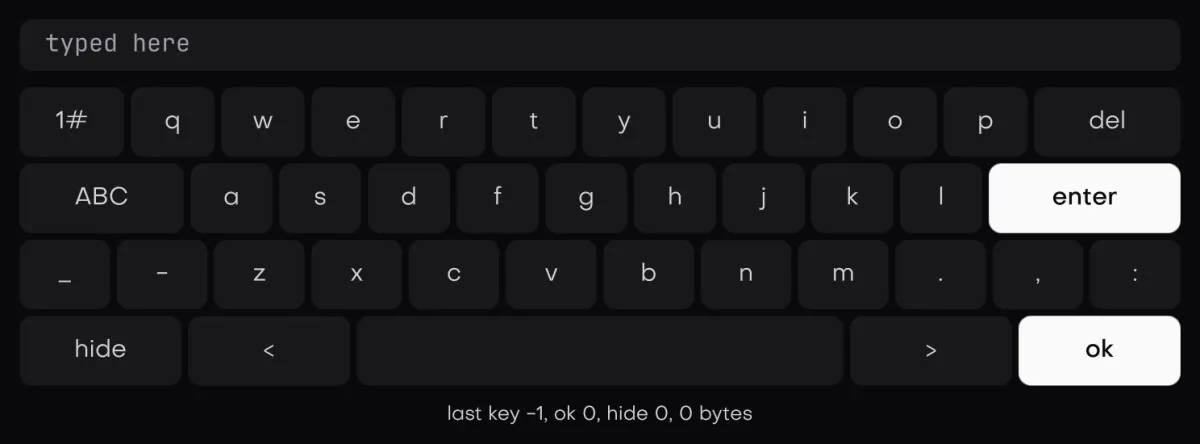
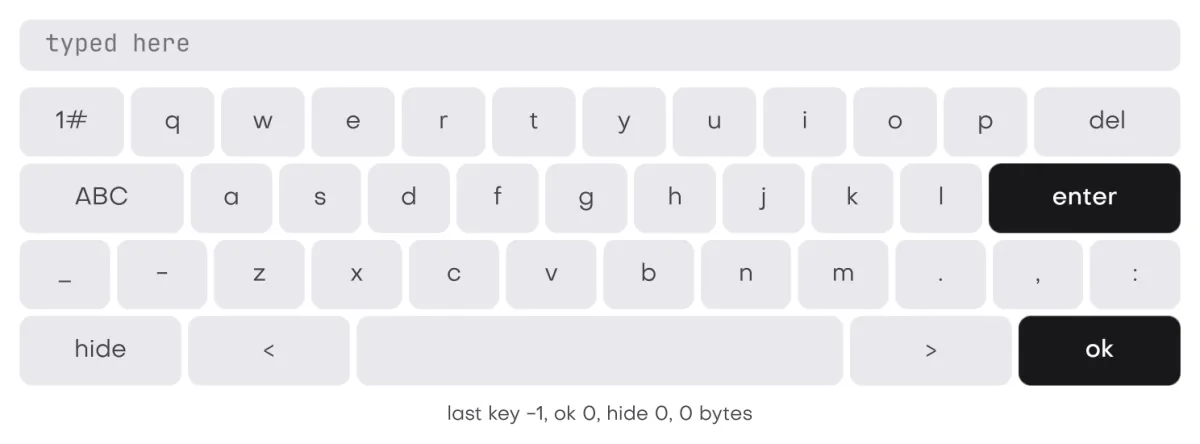
In the galleryKeyboardkeyboard
How it types
keyboard(u, label, &mode, &out) fires at most one key per frame. A letter, digit or symbol key goes out through ui::post_chars, and delete, enter and the two arrow keys through ui::post_key. Both are merged ahead of the real input on the next frame, so the focused field takes them through its normal key path. See redraw and wake ups.
- The keyboard calls
keep_focus, so pressing it never moves focus away from the field. - It is out of the tab order (
matrix_no_focus), so only the pointer reaches it. - Delete repeats while held. Enter and ok wear the accent look.
- Rows are 1.35 times the theme row height.
- It returns true on a frame that sent typed input.
#include "isolenui/ui/ui.h"
#include "isolenui/kit/kit.h"
struct kiosk {
char name[64] = "";
bool typing = false;
ui::keyboard_mode mode = ui::keyboard_lower;
};
static void entry(ui::ctx* u, kiosk* k)
{
ui::field_out f;
ui::field_ex(u, "your name", k->name, sizeof(k->name), 0u, &f);
// show the keys once the field takes focus
k->typing = k->typing || f.focused;
if (k->typing) {
ui::keyboard_out out;
// typed keys land in the focused field next frame, focus never moves
ui::keyboard(u, "keys", &k->mode, &out);
if (out.ready || out.cancelled) {
k->typing = false;
ui::focus(u, 0u);
}
}
}Modes
| keyboard_mode | Layout |
|---|---|
keyboard_lower | Letters in qwerty rows, _ - . , :, a wide space, and the keys 1#, ABC, del, enter, hide, <, > and ok. |
keyboard_upper | The same with capitals, and abc in place of ABC. |
keyboard_symbols | Digits and punctuation, with abc back to lower case. |
keyboard_number | A keypad of digits, minus, point, arrows, del, ok and abc. |
The mode keys write mode for you, and a null mode always shows lower case. No key switches into keyboard_number, so set it yourself for a numeric field. Capitals stay on until abc is pressed.
Closing it
keyboard_out reports ready when ok was pressed and cancelled for hide. Neither posts a key. The app decides what they mean, usually hiding the keyboard and clearing focus, which makes a text_box write its text back. fired is the button pressed in the current mode's map, or matrix_none.
UI_INPUT_QUEUE like any posted input. See text editing and IME.kit.conf
No line is needed. It calls matrix.cpp directly. See the component kit and the button matrix.