Command palette and combobox
A ranked fuzzy matcher over your own memory, and the inputs built on it: an inline command list, a modal command palette, and single and multi pick comboboxes.
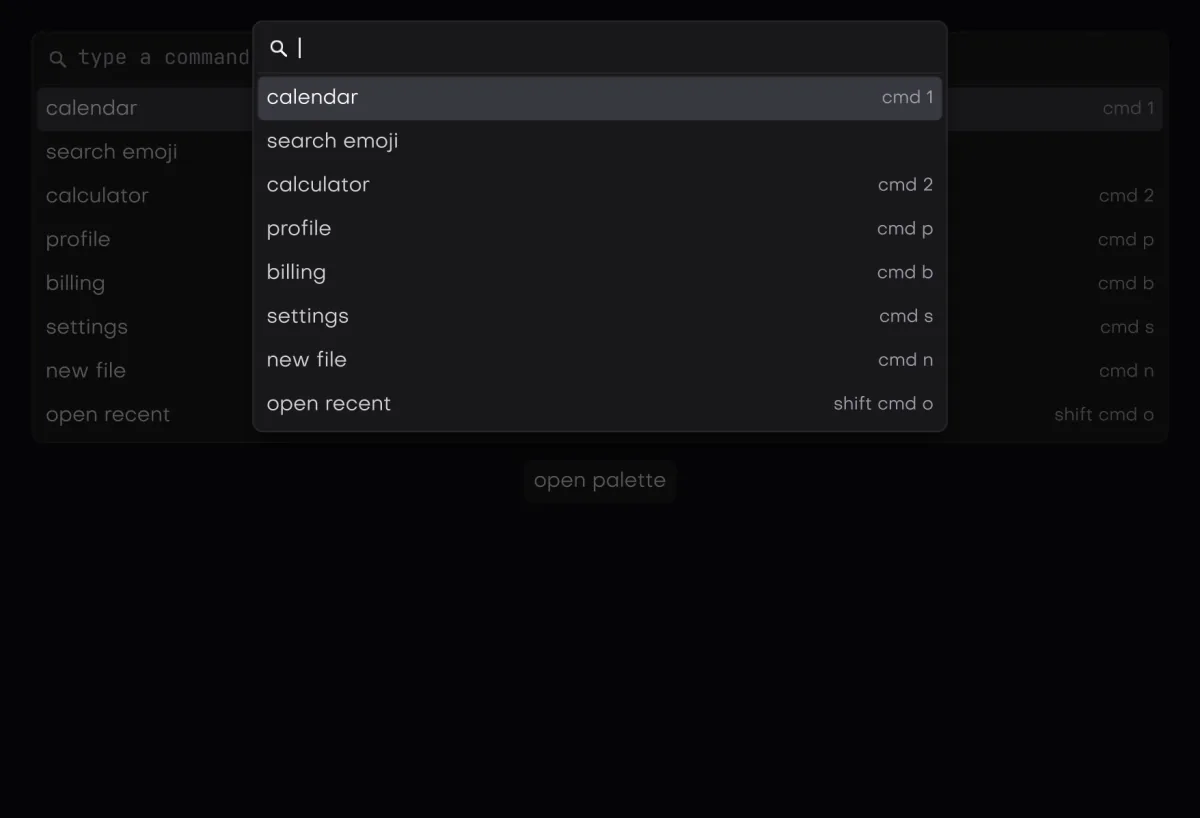
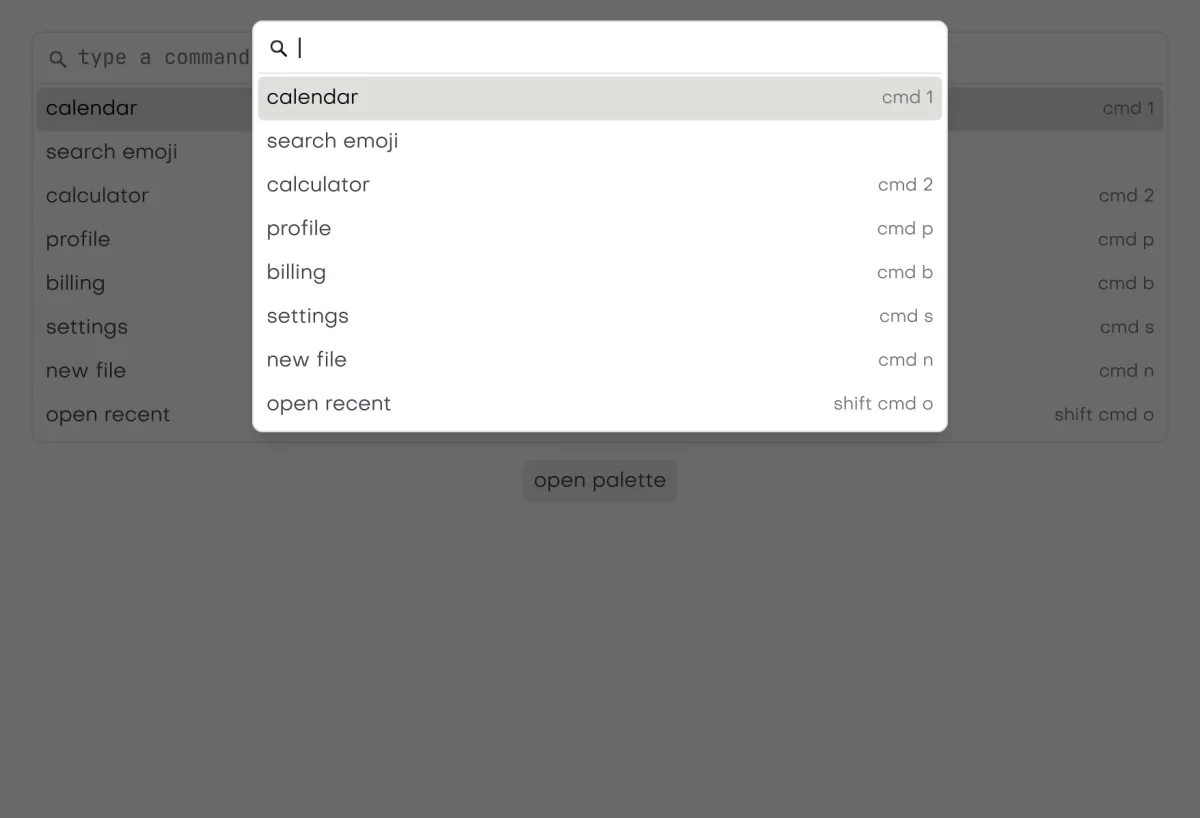
In the galleryCommandcommandComboboxcomboboxSearch Boxsearch_box
They live in isolenui/kit/menus.h and come in through isolenui/kit/kit.h. Each takes a command_source, a view of your labels that the kit never copies.
#include "isolenui/ui/ui.h"
#include "isolenui/kit/kit.h"
struct picker {
bool palette = false;
uint32_t lang = 0xffffffffu;
uint32_t tags[8] = {};
uint32_t tags_n = 0u;
};
static const char* const k_cmds[] = { "Open file", "Save all", "Toggle sidebar", "Quit" };
static const char* const k_keys[] = { "Ctrl+O", "Ctrl+Shift+S", "Ctrl+B", nullptr };
static const char* const k_langs[] = { "C", "C++", "D", "GLSL", "Metal" };
static void run(int32_t) {}
static void add_tag(const char*) {}
static void search(ui::ctx* u, picker* p)
{
// bump version when the labels change so the masks rebuild
const ui::command_source cmds = { k_cmds, k_keys, 4u, 1u };
const ui::command_source langs = { k_langs, nullptr, 5u, 1u };
// a modal palette, closed by a pick, escape or a press outside
if (ui::button(u, "Commands")) {
p->palette = true;
}
const int32_t pick = ui::command_palette(u, "commands", &p->palette, cmds);
if (pick >= 0) {
run(pick);
}
// the same list inline, four rows tall
run(ui::command(u, "filter", cmds, 4.0f * ui::theme_of(u)->row_h));
// one value, the field shows the picked label
ui::combobox(u, "language", langs, &p->lang);
// chips, a pick toggles, a row offers the typed text when nothing matches
ui::combobox_out out = {};
if (ui::combobox_multi(u, "tags", langs, p->tags, &p->tags_n, 8u, ui::combobox_create, &out)
&& out.created) {
add_tag(out.text);
}
}command_source
| Field | Meaning |
|---|---|
labels | The text of each item, searched and drawn. A null list is treated as empty. |
hints | Optional dim text at the right of each row, such as a shortcut. The list or any entry may be null. |
count | How many labels there are. |
version | Bump it whenever the labels change. The matcher rebuilds its per item masks only when the version or the count changes. |
The list state is kept in the store under the label you pass, so give each input its own label. Its matcher memory is taken with malloc at one and a half times the count plus 64, logged, and freed when the store drops it.
command
command(u, label, src, list_h) is a framed search field over a ranked list. It returns the index into labels of the item picked, or minus one. The list is list_h tall, or 8 rows when it is zero.
- The field is autofocused. Typing filters and ranks the list, and the matched letters are underlined in the accent colour.
- Up and Down move the highlight, Page Up and Page Down move a page, and Enter picks the highlighted row.
- The pointer highlights a row only once it moves, and releasing over a row picks it. The wheel scrolls.
- Only the visible rows are declared, so a long list costs its view, not its count.
- With no hits the list reads No results found.
command palette
command_palette(u, label, &open, src) is the same body in a modal over a scrim, near the top of the view, 60 percent wide and at least 320. Set open yourself to show it, from a button or a shortcut. A pick, Escape or a press outside sets open to false, and the query is cleared when it closes. It returns the index picked, or minus one, and minus one while it fades out. Focus is trapped inside while it is up, as with the dialogs.
combobox
combobox(u, label, src, &value) is a field over a filtered list in a popover as wide as the field. It returns true on the frame value changes. combobox_multi keeps several picks in picked, up to cap, and returns true when the set changes.
- Typing opens the list, filtered and ranked. Down or Up opens it too, and a single combobox with a value then shows every item with the current one highlighted.
- Enter or a release picks. A single combobox writes
value, fills the field with the label and closes. A multi combobox toggles the item, clears the query and stays open. - Escape closes the list, and so does leaving the field. The list is 7 rows tall.
- Picked items of a multi combobox show as chips before the field, each with a remove button. Backspace in an empty field drops the last chip.
- The frame takes the accent border while the field is focused.
With combobox_create, a last row offers Create "text" when no label matches the query exactly, ignoring ASCII case. Picking it returns true with out.created set and out.text holding the query until the next frame. value is not touched on that frame. Append the text to your labels as the next entry and bump the version; on the next call the combobox checks that entry and picks it, setting value or adding it to the picked list, and returns true again. If the text was not appended there, it logs that nothing was picked and leaves the value alone.
The query of a combobox or a command list has no length limit, since it is a growable text buffer. The create row shows at most the first 1024 bytes of it, cut on a code point, and out.text is the whole query. The ranking still reads the first 64 bytes, as below.
The matcher
fuzzy is a ranked subsequence matcher that allocates nothing. Size the memory with fuzzy_bytes(cap), hand it over with fuzzy_bind(&f, mem, bytes), and call fuzzy_match(&f, items, count, version, query). It returns the hit count and leaves the matching indices in f.hits, best first. fuzzy_reset drops the cached masks.
#include "isolenui/ui/ui.h"
#include "isolenui/kit/kit.h"
#include <stdio.h>
#include <stdlib.h>
static void find(const char* const* names, uint32_t n, const char* query)
{
// caller memory, nothing is allocated inside
const size_t bytes = ui::fuzzy_bytes(n);
void* mem = malloc(bytes);
ui::fuzzy f;
ui::fuzzy_bind(&f, mem, bytes);
// the same version keeps the masks, a grown query rescans survivors only
const uint32_t hits = ui::fuzzy_match(&f, names, n, 1u, query);
for (uint32_t i = 0; i < hits; ++i) {
const char* name = names[f.hits[i]];
uint8_t pos[ui::k_fuzzy_query] = {};
const int32_t score = ui::fuzzy_score(query, name, pos, ui::k_fuzzy_query);
printf("%s scores %d, first letter at byte %u\n", name, score, pos[0]);
}
free(mem);
}- Case. Matching ignores ASCII case.
- Empty query. Every item comes back in its own order.
- Prefilter. Each item keeps a letter mask, and items missing a query letter are skipped before any scoring. A query that only grew rescans the survivors of the last one.
- Score. An affine gap alignment. Each matched letter scores, runs of consecutive letters score more, and a bonus goes to a letter after a space, after a delimiter such as
/or:, after other punctuation, at a lower to upper case change or at the start of a number. Matched punctuation earns one too. The bonus counts double on the first query letter. Opening a gap costs more than extending one. - Order. Higher scores first, then shorter text, then the original order.
- Limits. The query is read up to
k_fuzzy_query, 64 bytes, and each item up tok_fuzzy_text, 256 bytes. More items than the bound memory holds warns and searches only the first ones.
fuzzy_score(query, text, pos, pos_cap) scores one text, below zero for no match. With pos it writes the byte matched by each query byte. When query length times text length passes k_fuzzy_trace, 8192, the positions are the leftmost match instead of the best one.
kit.conf line. The command list, palette and comboboxes share the list code, and an app that calls none of them links none of it.