Chat transcripts and messages
isolenui/kit/chat.h holds a transcript scroller, messages, bubbles, markers, attachments and a shimmer for text in flight. ui.h already includes it. The questionnaire from the same header has its own page. See the kit for how components link.
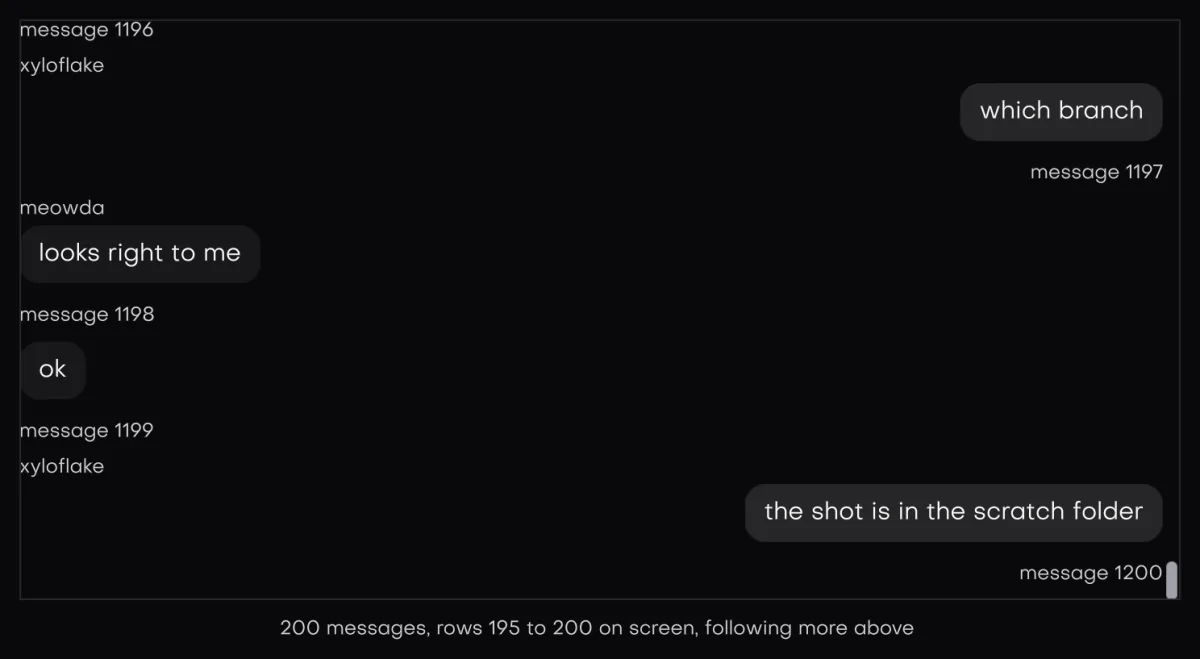
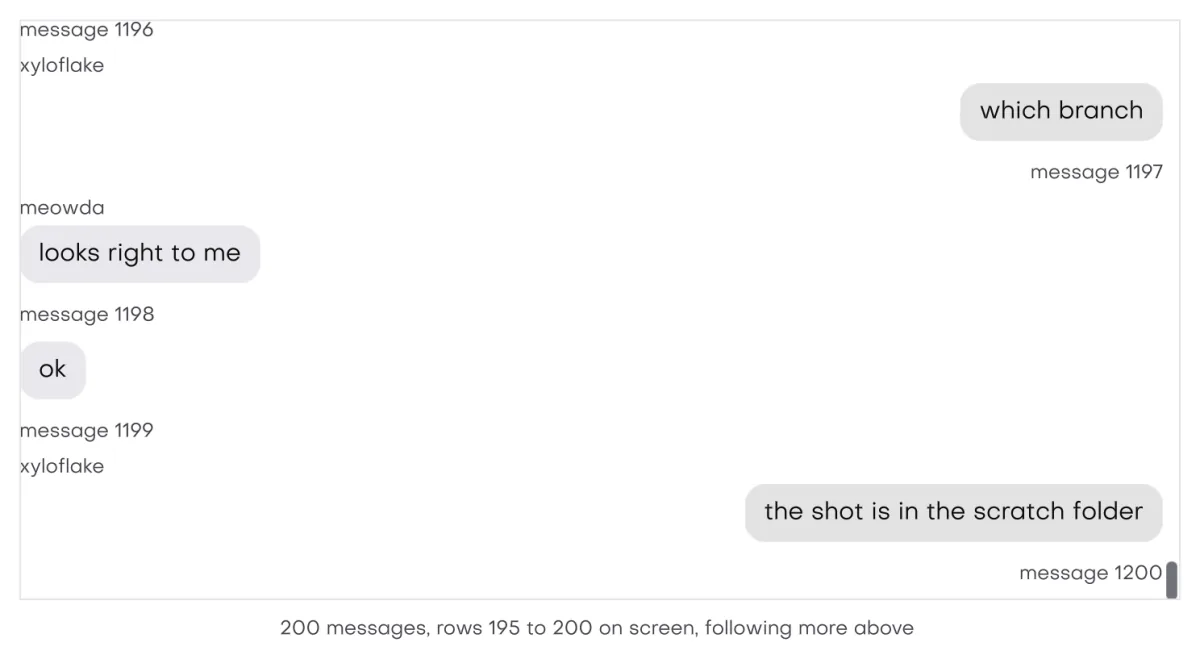
In the galleryMessage Scrollermessage_scrollerMessagemessageBubblebubbleMarkermarkerAttachmentattachment
The transcript
A transcript is the app's view of a thread. The scroller reads it every frame and never copies the text.
| Field | Meaning |
|---|---|
ids | One stable id per message, oldest first. Zero is not a valid id to jump to. |
anchors | Optional. A nonzero byte marks the row that starts a turn, usually the user's message. |
count | Rows in both arrays. |
revision | Bump it when rows change in place while the count and both end ids stay the same. |
The scroller compares each frame with the last one to learn what changed.
- Append. The count grew, the first id is the same and the old last id is still in place. Only the new rows are added. This is the cheap path.
- Prepend. The last id is the same and the old first id moved down. With
keep_on_prependthe row you were reading stays where it was on screen. - Anything else, including a new
revision, rebuilds the offsets. Heights already measured are kept.
To stream a reply, grow the text of the last message in place. The ids do not change, so nothing needs a bump. The row is measured again each frame it is declared, and a following view stays at the end as it grows.
ids and anchors pointers from the last scroller_begin. Row declarations read ids through them, and the first scroller_read reads both. Keep both arrays valid and in place until the next scroller_begin. A std::vector that grows between those calls leaves a dangling pointer.message_scroller
message_scroller(u, label, transcript, row_fn, user, opts) is the whole view in one call. It fills its parent, calls row_fn(u, index, user) for each row near the view, and floats a round jump to latest button at the bottom centre whenever there is room to move toward the end. Each row is already keyed by its message id, so ids inside a row do not collide with the next row.
The rows sit inset by half the theme pad from every edge of the view, top, bottom and both sides, and an overlay scroll bar gets its own lane on the end side, so bubbles never touch the frame or sit under the bar. The follow, anchor and jump math all runs in that inner view.
#include "isolenui/ui/ui.h"
#include "isolenui/kit/kit.h"
struct turn {
const char* text;
bool mine;
};
struct thread {
uint64_t ids[4096];
uint8_t anchors[4096];
turn turns[4096];
uint32_t count = 0;
uint64_t revision = 0;
uint64_t next_id = 1;
};
// the arrays must stay put until the next frame reads them again
static void send(thread* t, const char* text, bool mine)
{
const uint32_t i = t->count++;
t->ids[i] = t->next_id++;
t->anchors[i] = mine ? 1u : 0u;
t->turns[i] = turn{ text, mine };
}
static void row(ui::ctx* u, uint32_t i, void* user)
{
const turn& m = static_cast<thread*>(user)->turns[i];
ui::message(u, m.text, m.mine ? nullptr : "helper", nullptr, m.mine,
m.mine ? ui::bubble_default : ui::bubble_secondary);
}
static void chat(ui::ctx* u, thread* t)
{
ui::transcript tr = {};
tr.ids = t->ids;
tr.anchors = t->anchors;
tr.count = t->count;
tr.revision = t->revision;
// a new mine row pins at the top and the reply grows under it
ui::scroller_opts o = {};
o.peek = 48.0f;
ui::message_scroller(u, "thread", tr, row, t, o);
}scroller_opts
| Field | Default | Meaning |
|---|---|---|
follow | true | Stick to the end while the view is at the end. |
keep_on_prepend | true | Hold the reading position when older rows arrive above. |
open | scroll_open_end | Where a new transcript opens: scroll_open_end, scroll_open_start, scroll_open_last_anchor or scroll_open_message. |
open_id | 0 | The message to open on, read only when open is scroll_open_message. While that id is not in the transcript it opens at the end and logs a warning. Set with any other open, it is ignored with a warning. |
edge | 8 | Px from an end that still counts as at the end. |
margin | 0 | Px of room kept beside a row a jump lands on. |
peek | 64 | Px of the previous turn left showing above a pinned anchor. |
gap | -1 | Px below each row. Below zero takes the theme gap, and 0 packs the rows with no space. |
estimate | 0 | Height guess for rows not measured yet. Zero takes three theme rows. |
Follow, free and anchor
The view is always in one of these modes.
- Follow keeps the end in view as rows are added. A transcript opens this way by default. With
followoff it jumps to the end once and stays free.scroll_open_startopens free at the top. - Free starts as soon as the user scrolls with the wheel, a press or the keys. Scrolling back to within
edgeof the end goes back to follow whenfollowis on. - Anchor starts when a row with a nonzero anchor is appended while the view follows or sits at the end. That row is pinned
peekpx below the top of the view, so a little of the previous turn still shows, and a spacer below the content holds it there while the reply is still short.scroll_open_messageandscroll_open_last_anchoralso open in this mode.
Unmeasured rows use the mean of the heights measured so far. After 8 rows are measured, a mean that drifts more than 25 percent from the guess in use rebuilds the offsets and logs it. Heights are cached per message id, survive prepends, and use a Fenwick tree so any offset is found in log time. A cache that grows past three times the count plus 4096 is compacted.
Keys and focus
The list takes focus and claims the vertical arrows, page up and page down, and home and end. The arrows move 40 px, a page moves one view less 40 px, and home and end go to the ends. Home and end jump without easing.
Declaring rows yourself
scroller_begin(u, label, transcript, &first, opts) returns how many rows to declare, starting at first. Declare them in order, each inside ui_scroller_row(u, i), which pairs scroller_row_begin and scroller_row_end and skips the body when begin is false. Then call scroller_end. It is not optional: it pops the scroller's frame even when no rows were declared. A row declared out of order logs a warning.
This form has no floating button. Place scroller_button(u, label, to_end, text) where you want it. It only shows while there is somewhere to go, draws a round arrow when text is null and a pill otherwise, and returns true when it is clicked or activated with enter or space.
At most 96 rows are declared in a frame, about half a view above and half a view below, and the rows share half the layout node budget. The row you land on is placed exactly. Rows around it are counted at the smallest height seen so far.
#include "isolenui/ui/ui.h"
#include "isolenui/kit/kit.h"
struct thread {
const uint64_t* ids;
const uint8_t* anchors;
const char* const* text;
const bool* mine;
uint32_t count;
uint64_t revision;
uint64_t search_hit;
};
static void chat(ui::ctx* u, thread* t)
{
ui::transcript tr = {};
tr.ids = t->ids;
tr.anchors = t->anchors;
tr.count = t->count;
tr.revision = t->revision;
ui_box(u, ui::col().width(lay_grow(1.0f)).height(lay_grow(1.0f)))
{
uint32_t first = 0;
const uint32_t n = ui::scroller_begin(u, "thread", tr, &first);
for (uint32_t i = first; i < first + n; ++i) {
// rows go in order and each is keyed by its message id
ui_scroller_row(u, i)
{
ui::message_spec m = {};
m.end = t->mine[i];
ui_message(u, m)
{
ui::message_content_begin(u);
ui::bubble(u, t->text[i], ui::bubble_spec{ ui::bubble_secondary, t->mine[i] });
ui::message_content_end(u);
}
}
}
// always called, it pops the frame
ui::scroller_end(u);
}
ui::scroller_button(u, "thread", true, "Latest");
// waits until the id is in the transcript, then eases there
if (t->search_hit) {
ui::scroller_to_message(u, "thread", t->search_hit, ui::scroll_align_centre);
t->search_hit = 0;
}
const ui::scroller_state s = ui::scroller_read(u, "thread");
// more_above is false within edge of the top
if (!s.more_above && !s.moving) {
// prepend older rows here, the reading position holds
}
}Jumps and reads
| Call | Returns |
|---|---|
scroller_to_message(u, label, id, align, smooth) | False while the id is not in the transcript. The jump stays pending and runs once the id arrives. |
scroller_to_end, scroller_to_start | False when the transcript is empty. |
scroller_read(u, label) | A scroller_state. |
scroller_visible(u, label, out, cap) | How many on screen ids it wrote to out, oldest first. |
scroller_reset(u, label) | Nothing. It frees the height cache so the next transcript opens like a new one. |
scroll_align is scroll_align_start, _centre, _end or _nearest. Nearest leaves the view alone when the row is already fully in view. A smooth jump eases in, starting at most two views from the target so a long jump does not crawl.
| scroller_state field | Meaning |
|---|---|
more_above | More than edge px from the top, so there are rows above the view. |
more_below | Not following and more than edge px from the end, so there are rows below the view. |
following | In follow mode. |
moving | A jump is running. |
anchor | Id of the anchor row that starts the turn at the top of the view. Reading it the first time turns this tracking on. |
first_visible, visible | Index of the first on screen row and how many are on screen. |
With an overlay bar, as on mac, the scroller gives the bar its own lane beside the rows once there is anything to scroll, so the bar never sits on a message.
The scroller is a measured virtual list. See virtual lists for the pin it is built on and the store for where its state lives under the label.
message
message(u, text, name, status, end, variant) draws the common case: the name in small bold ink, a bubble in variant (default bubble_secondary), and the status in the footer. end puts it on the end side.
For your own layout, ui_message(u, spec) wraps message_begin and message_end. Inside it, each part is a begin and end pair:
| Part | Layout |
|---|---|
message_begin | A row with items aligned to the bottom. end reverses it, so the avatar moves to the end side with the bubble. |
message_avatar_begin | The avatar column. With footer set it is lifted by one row plus 4 px so it sits beside the bubble, not the footer. |
message_content_begin | A column that takes the rest of the width. |
message_header_begin | A row above the bubble, justified to the message's side, so the name of an end message lines up over its bubble. |
message_footer_begin | A strip one row high, justified to the message's side. |
message_group_begin | A column of messages at half the theme gap. |
bubble
bubble(u, text, spec) returns true when a pressable bubble is clicked or activated with enter or space. A bubble sits in a lane on its side, and 20 percent of the width is held back on the other side so it never spans the full width.
| bubble_spec field | Default | Meaning |
|---|---|---|
variant | bubble_default | The look, below. |
end | false | Put it on the end side. |
pressable | false | Clickable and focusable with enter and space. |
reactions, reaction_count | null, 0 | Labels for reaction pills floated on the bubble edge. |
reactions_top | false | Pills on the top edge instead of the bottom. |
reactions_start | false | Pills at the start instead of the end. |
| Variant | Look |
|---|---|
bubble_default | The accent fill with background ink. |
bubble_secondary | The raised surface in text ink. |
bubble_muted | The raised surface at half alpha. |
bubble_tinted | The accent at 12 percent alpha. |
bubble_outline | A rule border with no fill. |
bubble_ghost | No surface, no padding and no reserve. |
bubble_destructive | The error colour at 12 percent alpha, with error ink. |
For more than text, use ui_bubble(u, spec) or the pair bubble_begin and bubble_end. bubble_text writes wrapping body text in the variant's ink. bubble_end(u, &reaction) returns the press and sets reaction to the index of the pill pressed this frame, or minus one. Each pill is focusable and takes enter and space. bubble_group_begin(u, end) stacks bubbles 4 px apart.
bubble_begin can return false, for instance past 8 levels of nesting. Call bubble_end anyway. The same holds for marker_begin and attachment_begin. The macro and the one call forms already do this.marker
A marker is a line of status in the transcript: a date, "Thinking", or a tool call. marker(u, text, spec) returns true when a pressable marker is clicked or activated with enter or space.
| marker_spec field | Default | Meaning |
|---|---|---|
variant | marker_default | marker_default is a row whose text wraps, marker_border adds a rule under it, and marker_separator draws lines on both sides of text that does not wrap. |
icon | GFX_NONE | A 16 px icon in dim ink. |
shimmer | false | Sweep a highlight across the text. |
pressable | false | Clickable and focusable. |
The parts form is marker_begin, marker_icon, marker_text and marker_end, which returns the press.
attachment
attachment(u, spec) draws a file card, keyed by its title, so two cards with the same title under one parent share ids. It returns an attachment_hit: opened when a pressable card is pressed, and removed when its remove button is pressed.
| attachment_spec field | Default | Meaning |
|---|---|---|
title, description | null | Two lines of text. attach_xs drops the description. |
state | attach_idle | attach_idle, _uploading, _processing, _error or _done. |
size | attach_default | Media of 40, 30 or 20 px for default, attach_sm and attach_xs. |
vertical | false | A tall card with the media on top. |
progress | -1 | While uploading, 0 to 1 draws a filled bar and below zero a sweeping bar. Processing always sweeps. |
icon, image | GFX_NONE | The media. An image wins and fills the box. |
pressable | false | The card is a button. |
removable, remove_icon | false, GFX_NONE | Adds a remove button. With no icon it paints a cross. |
While uploading or processing, the title shimmers. An error card takes the destructive bubble look and tints its icon. For your own layout use attachment_begin, attachment_media, attachment_content, attachment_action(u, icon, label) and attachment_end, which returns the press. attachment_group_begin(u, label) lays cards in a row that scrolls sideways.
shimmer
shimmer(u, text, style) draws one line of text with a light band sweeping across it every 1.6 seconds. The lit ink is the style colour, or the theme text colour, and the rest is that ink at 45 percent. It asks for a redraw every frame it is declared, so declare it only while work is in flight. shimmer_glyphs(list, first, time, dim, lit) applies the same sweep to glyphs a canvas already drew, from glyph index first on. If the list was flushed in between, those glyphs keep their plain ink.
#include "isolenui/ui/ui.h"
#include "isolenui/kit/kit.h"
static const char* const k_reacts[] = { "+1", "ok" };
static void reply(ui::ctx* u, gfx_image face, gfx_svg file, bool thinking, float sent)
{
ui::marker_spec day = {};
day.variant = ui::marker_separator;
ui::marker(u, "Today", day);
ui::message_spec m = {};
m.footer = true;
ui_message(u, m)
{
ui::message_avatar_begin(u);
ui::avatar(u, face, "Helper");
ui::message_avatar_end(u);
ui::message_content_begin(u);
ui::bubble_spec b = {};
b.variant = ui::bubble_secondary;
b.reactions = k_reacts;
b.reaction_count = 2;
int32_t picked = -1;
if (ui::bubble_begin(u, b)) {
ui::bubble_text(u, "Here is the file you asked for.");
}
// pair end with begin even when begin is false
ui::bubble_end(u, &picked);
if (picked >= 0) {
// k_reacts[picked] was pressed this frame
}
ui::attachment_spec a = {};
a.title = "slides.pdf";
a.description = "2 MB";
a.icon = file;
a.state = sent < 1.0f ? ui::attach_uploading : ui::attach_done;
a.progress = sent;
a.pressable = true;
a.removable = true;
const ui::attachment_hit h = ui::attachment(u, a);
if (h.opened || h.removed) {
// open or drop the file here
}
if (thinking) {
ui::marker_spec w = {};
w.shimmer = true;
ui::marker(u, "Thinking", w);
}
ui::message_content_end(u);
ui::message_footer_begin(u);
ui::text(u, "Read", ui::dim(u));
ui::message_footer_end(u);
}
}Right to left
Lanes, message rows, footers and the attachment group are flex rows, so they mirror in a right to left box: end means the left side there. See direction. Shimmer draws a plain left aligned run with no bidi reordering, so keep it for short labels.
kit.conf
The chat components need no lines. Every file in isolenui/src/kit is in the kit, and the linker drops what an app never calls. If you turn one off, note that message calls bubble, and marker and attachment call shimmer, and no needs line says so.